Imagine you're midway through a long five-hour journey to see loved ones for the holidays. Your daughter pipes up, "Can I use your laptop to play Roblox?" But this isn't just any device — it's your work laptop, packed with sensitive client information, financial records, and full access to your business systems. After the stress of packing and with hours still ahead, entertaining her feels like a welcome break. But is it worth the risk?
Holiday travel amplifies security risks you rarely encounter in daily life. You're often distracted, fatigued, connecting to unknown networks, and blending personal moments with work check-ins. Whether you're traveling for business, pleasure, or a mix of both, here's the smart way to guard your data without spoiling the holiday spirit.
Prep in 15 Minutes Before You Hit the Road
Spend just 15 minutes prepping your devices before traveling to avoid headaches later:
Essential Device Checklist:
- Install all available security updates immediately
- Backup important documents securely to the cloud
- Set automatic screen lock to activate within two minutes
- Enable "Find My Device" features on all phones and laptops
- Fully charge your portable power bank
- Don't forget your own charging cables and adapters
Family Tech Rules:
- Clearly define which devices kids can use and which are off-limits
- Consider bringing a dedicated family tablet or secondary device for entertainment
- Create a restricted user account on your laptop if children must use it
Pro tip: For kid's screen time on the go, pack a tablet that's NOT linked to your work accounts. A $150 iPad is a smart investment compared to the cost of a data breach.
Hotel WiFi Hazards: What Everyone Gets Wrong
Once your family checks into the hotel, connecting all devices to the WiFi feels natural — phones, tablets, laptops, gaming consoles. Your teenager binging Netflix, your partner checking emails, and you scrambling to review an important proposal.
But hotel networks are public spaces shared by dozens or hundreds of guests — including potential cybercriminals.
Real-life example: A family joined what they thought was their hotel's WiFi, but it was a fake network set up just outside. Over two days, their every online move — passwords, credit data, emails — was intercepted.
Safeguarding Your Connection:
Confirm the exact network name with the front desk—never guess it.
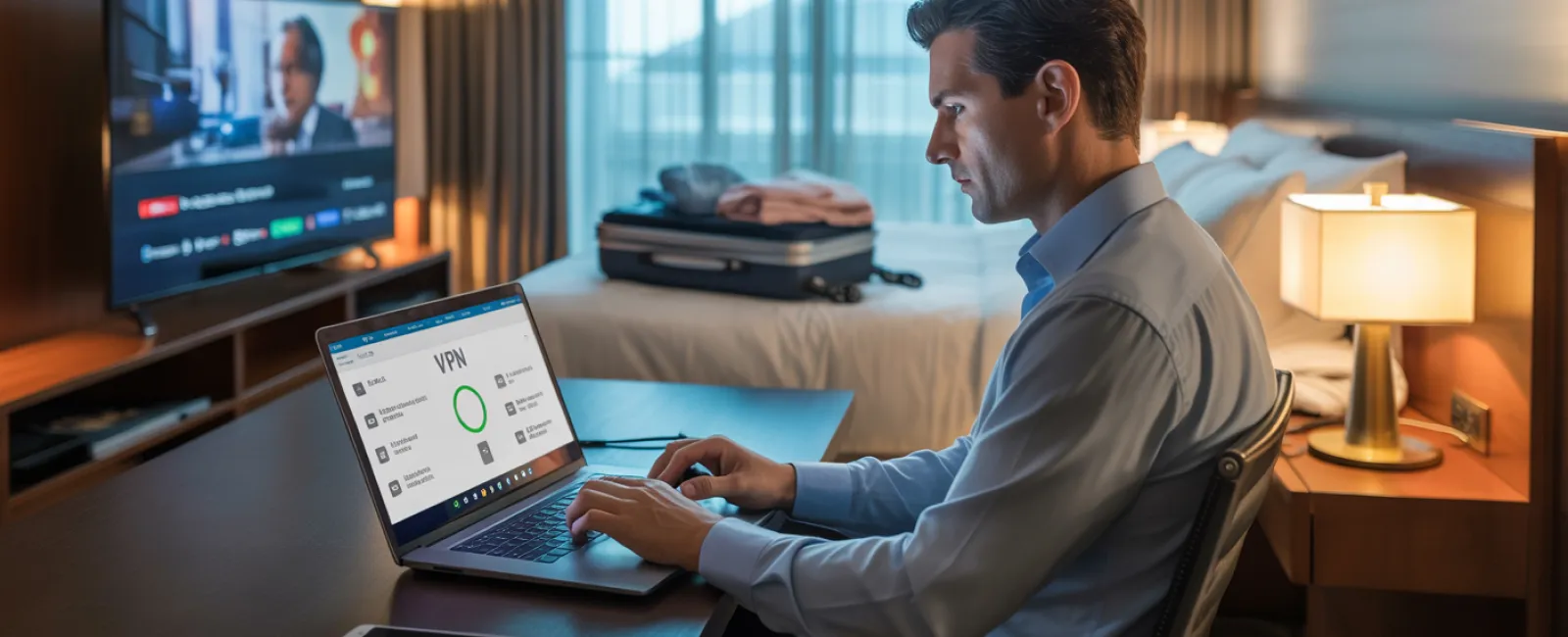
Use a VPN when accessing work content—it encrypts your data, keeping it private.
Opt for your phone's personal hotspot for sensitive activities like banking or handling client data.
Separate work from leisure online — let kids stream cartoons on the hotel WiFi, but keep your work tasks on a secure hotspot.
Why Sharing Your Work Laptop Is Risky Business
Your work laptop holds the keys to your business kingdom—emails, financial info, client files, and more. Kids might want to watch videos, play games, or chat online.
Why it's a problem: Kids might download risky files, click pop-ups unknowingly, share passwords, or forget to sign out. It's innocent behavior, but on a work device, it could lead to breaches.
Smart Solutions:
Politely decline sharing your work laptop—offer another device instead and stick to that rule.
If sharing can't be avoided:
- Set up a limited-access user account
- Closely supervise their activity
- Prevent downloads
- Never save their passwords on your device
- Clear browsing history immediately after use
Better option: Bring a dedicated family device for travel—an older tablet or laptop without access to sensitive work data.
Hotel TV Streaming: Don't Forget to Log Out
Want to watch Netflix on the hotel TV? Someone logs into your account, but if you forget to log out before checkout, the next guest gains access.
Consequences: Unauthorized users could exploit your account, and if you reuse passwords elsewhere (please don't), they might breach other platforms.
How to prevent this:
- Cast content from your own device instead of logging in on the TV
- Set a phone reminder to log out before leaving
- Even better: Download shows onto your devices before traveling, bypassing hotel TVs altogether
Avoid logging into any of these on hotel TVs:
- Banking or financial apps
- Work-related accounts
- Email
- Social media platforms
- Any app storing payment information
Lost Device? Act Fast to Protect Your Data
Holiday chaos can lead to lost devices at airports, hotels, or rental cars. If this happens to you:
Within the first hour:
- Use "Find My Device" to locate it immediately
- If recovery isn't possible, remotely lock the device
- Change all crucial passwords from a different device
- Notify your IT team to revoke any company access
- If sensitive data was stored, alert impacted clients or partners
Your device should have these safety features before travel:
- Remote location tracking enabled
- Strong, unique passwords
- Automatic encryption of stored data
- Remote data wipe capabilities
Lost device belonging to family? Follow the same priority steps immediately.
Rental Car Bluetooth: Clearing Your Data Footprint
Connecting your phone to a rental car's Bluetooth can make playing music or using navigation easy, but it often saves your contacts, call logs, and message snippets.
When you return the vehicle, this personal data might remain accessible to the next renter.
Quick 30-second fix before handing back the car:
- Remove your phone connection from the car's Bluetooth settings
- Clear GPS recent destinations
- Or better yet, avoid connecting altogether or use an aux cable
Setting Boundaries During a "Working Vacation"
While you promised family time, you find yourself checking email multiple times, taking work calls, and working on your laptop—while others enjoy activities like mini-golf.
This constant multitasking distracts you and lowers your security vigilance, making risky mistakes like clicking suspicious links or using insecure networks more likely.
Real advice: If unplugging completely isn't an option, establish clear limits:
- Check work emails only at set times, twice daily
- Use your own phone hotspot for work, not hotel WiFi
- Work inside your hotel room, away from public view
- Be fully present with your family during leisure time
Best practice? Take true time off. Your business will remain intact, and you'll return refreshed and more alert to potential threats.
Adopt a Holiday Travel Security Mindset
Balancing work and family on holiday trips is never perfect. Sometimes your kid really does need your laptop, and urgent work emails must be checked while on the road. Life happens.
The goal isn't flawless security, it's mindful risk management:
- Prepare your devices thoroughly before departure
- Recognize high-risk activities (e.g., banking on hotel WiFi) versus safer options (e.g., using a personal hotspot)
- Keep work data separate from family fun when you can
- Have a clear plan ready if something goes wrong
- Know when to say, "No, not on this device," and stick to it
Make This Holiday Season Safe and Unforgettable
The holidays are about cherishing moments with loved ones, not managing security incidents or explaining shattered client trust.
By investing a bit of prep and following straightforward guidelines, you can shield your business without putting a damper on the vacation. Everyone wins—family memories stay joyful, and your business remains secure.
Need help crafting travel security protocols for your team and yourself? Click here or call us at 503-210-5203 to schedule a free Systems Assessment. We'll guide you in creating practical policies that protect your business without complicating travel.
Because the best holiday memories shouldn't include "Remember when Dad's laptop got hacked?"