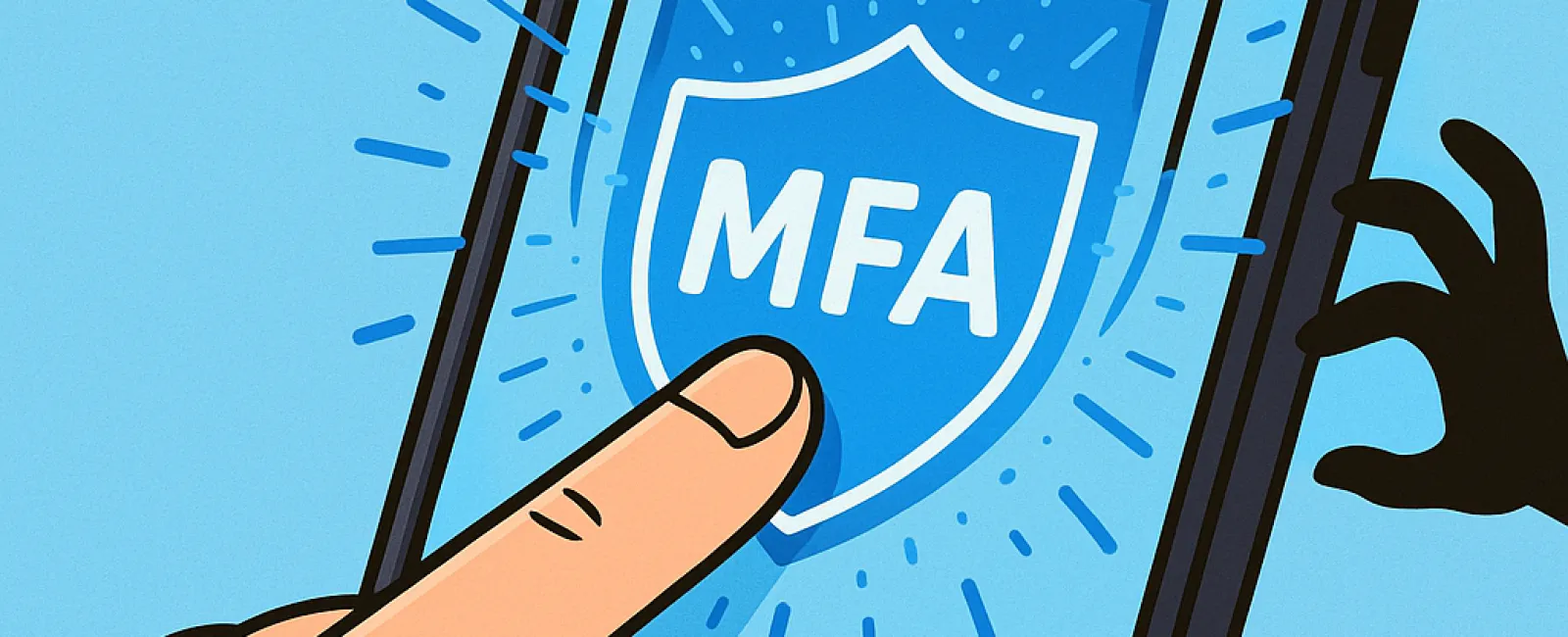
Just as you wouldn't step into a car without buckling your seatbelt or leave your workplace unsecured overnight, why risk going online without multifactor authentication (MFA)?
MFA acts as an additional safeguard—like a second deadbolt on your digital doorway. Instead of depending solely on a password, which hackers can steal, guess, or phish, MFA requires an extra verification step such as a text message code, an authentication app prompt, or a fingerprint scan. This means even if your password falls into the wrong hands, unauthorized users can't access your account without this essential second layer.
One Simple Step Can Transform Your Security
If your password is comparable to locking your front door, then enabling MFA is like activating your home security system before bed. It isn't mandatory, but it gives you peace of mind knowing that if one layer of protection fails, another is standing guard.
MFA adds a quick, effortless step to verify that it's truly you logging in. Various terms—"two-step verification," "two-factor authentication," or "one-time password"—all describe the same concept: requiring two or more forms of identity proof before access is granted.
MFA comes in many convenient forms: confirmation emails after account setup, security questions from banks, verification codes sent via text, push notifications, or phone calls. Most of these require just a tap or entering a short code, making it hassle-free.
How MFA Protects You in Real-World Scenarios
While MFA is quick and easy for you to complete—a simple click or code entry—the challenge it poses to hackers is significant. If someone tries to break into your account, MFA sends you an alert or requests the extra code, immediately notifying you of suspicious activity. This early warning lets you change your password promptly, preventing data theft.
MFA also blocks unauthorized access even if a hacker dupes an employee into sharing their login details; without the additional authentication step, entry is impossible. In fact, Microsoft reports that enabling MFA lowers the risk of account compromise by over 99.2%, climbing to 99.99% protection when MFA is fully in place.
Where and How to Activate MFA
Critical accounts that should have MFA turned on include:
- Your banking and financial service apps
- Email services and cloud storage platforms
- Social media profiles
- Work-related logins containing sensitive client or company data
Setting up MFA is generally straightforward. Many popular platforms have integrated MFA options—simply choose the method that suits you best and incorporate it into your daily routine. Using an authentication app can greatly enhance security for employee logins.
In essence, enabling MFA is an efficient and cost-free way to protect your accounts from most hacking attempts. Spending a few minutes to activate it today could save you from long-term data breaches and costly recovery down the road.
The easiest way to implement MFA is through your IT service provider. A skilled managed service provider (MSP) can streamline the process and ensure it's done properly. If you're seeking expert cybersecurity assistance, click here or call us at 503-210-5203 to schedule a Systems Assessment with our security team today.