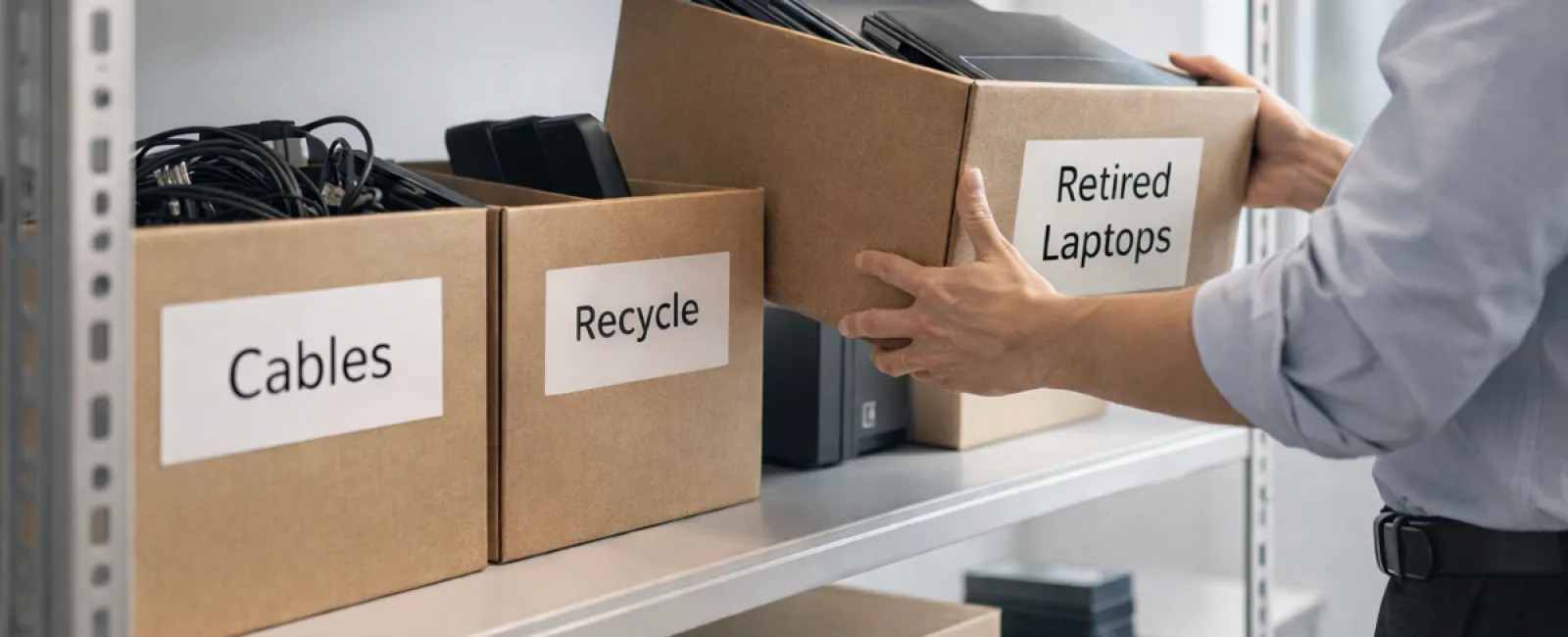
Most businesses start their spring cleaning with closets, but the real clutter is often hidden elsewhere.
It might be in a server rack, tucked away in storage, stuck in a back office, or piled up under a label like "we'll deal with that later."
Old laptops, retired printers, backup drives from previous upgrades, and boxes of cables no one wants to discard "just in case" accumulate over time.
Every business faces this challenge.
The real question is: do you have a clear plan for what happens to this tech next?
The Technology Lifecycle Extends Beyond Purchase Dates
Companies often have strong reasons for buying new technology: it's faster, more secure, more capable, and supports growth.
While many plan their purchases thoughtfully, few businesses strategize how to retire old technology properly.
Retiring devices usually happens quietly—replaced, set aside, then forgotten until space needs clearing.
This is normal.
But it's uncommon to approach technology retirement with the same deliberate care as the purchase.
Old equipment often still holds value, recyclable parts, and sensitive data. Left unmanaged, it can drag down operations simply by occupying space and attention.
Spring is the ideal moment to assess: which tech still serves us, and which just clutters our workspace?
Your Essential Four-Step Guide to Tech Cleanup
Turn this from a vague idea into action by adopting our straightforward four-step process.
Step 1: Inventory Everything
Identify what you're retiring—laptops, phones, printers, network devices, external drives? You can't manage what you haven't pinpointed, and a quick walk-through often uncovers more than expected.
Step 2: Choose Each Item's Fate
Devices typically fall into reuse (internally or via donation), recycle (through certified e-waste programs), or destruction (when data sensitivity demands it). Deciding intentionally keeps hardware from languishing in storage limbo.
Step 3: Prepare Devices Thoroughly
A little careful preparation makes all the difference.
If reusing or donating, remove devices from management systems, revoke user access, and perform certified data erasure—not just a factory reset. Temporary deletions or quick formats leave data recoverable.
Research by data security firm Blancco discovered 42% of resold drives on eBay contained sensitive data, despite sellers claiming thorough wipes. Certified data erasure tools overwrite every sector and provide verification reports.
For recycling, use only certified e-waste providers—not dumpsters or curbside bins. Remember, popular programs like Best Buy's accept household electronics only, not business equipment.
Businesses should seek IT asset disposition (ITAD) providers or certified e-waste recyclers with e-Stewards or R2 certification (directories available at e-stewards.org and sustainableelectronics.org). Your IT vendor can often manage this.
For destruction, opt for certified wiping or physical methods such as professional shredding or degaussing, and document details including device serial numbers, destruction methods, dates, and handlers.
This process ensures proper closure, not paranoia.
Step 4: Record and Finalize
After equipment leaves your premises, confirm its destination, handling, and that all access was revoked. Document everything to prevent future confusion.
Commonly Overlooked Devices and Their Risks
Laptops often get prioritized, but other devices slip through the cracks.
Phones and tablets may still hold email accounts, contacts, and authentication apps. While factory resets handle much, certified mobile wipe tools offer deeper protection. Many manufacturers like Apple and Samsung offer trade-in credits even for older devices.
Modern printers and copiers contain internal hard drives storing records of everything printed, scanned, or faxed. When returning leased machines, always get written confirmation that drives will be wiped or removed before redeployment.
Batteries are hazardous waste under EPA rules. In states like California, New York, and Minnesota, discarding rechargeable batteries in regular trash is illegal for businesses. Remove batteries where possible, tape terminals to prevent shorts, and drop them at certified recycling locations. Call2Recycle.org offers a locator, and retailers like Staples, Home Depot, and Lowe's accept rechargeable batteries.
External drives and retired servers often remain in closets longer than intended. They deserve the same retirement process as other equipment.
Recycling: An Essential Responsibility
Every April, Earth Day reminds us to act responsibly.
Electronic waste should never end up in landfills. With over 62 million metric tons generated annually worldwide and only 22% recycled properly, it's critical to use certified e-waste recycling facilities for batteries, monitors, and circuit boards. Most communities offer approved options to keep e-waste out of harmful streams.
Retiring tech responsibly isn't just environmentally smart—it's operationally efficient and strategically wise. You can be both secure and sustainable.
And it's an impressive message to share on your company's social channels, where customers value authentic sustainability efforts without flashy campaigns.
Unlock Greater Potential
Spring cleaning is more than decluttering—it's about creating room to grow.
Clearing outdated gear is just one step. While evaluating hardware, also consider a bigger question: does your technology align with your business goals?
Hardware will rotate, but software, systems, automation, and process design are the true drivers of productivity and profit.
Properly retiring old tech is essential housekeeping, but ensuring your technology ecosystem supports your vision keeps you advancing.
How We Support Your Journey
If your equipment retirement plan is already solid, that's wonderful—it should be effortless and routine.
But as you think about replacing hardware responsibly, now is also the perfect time to revisit your broader tech landscape. Are your systems integrated? Do your tools support growth, or just maintain the status quo?
We're here to collaborate if you want to explore how your tech stack, systems, and processes could boost productivity and profitability.
No equipment lists. No pressure. Just honest, practical conversations about making technology work harder for your business.
Click here or give us a call at 503-210-5203 to schedule your free Systems Assessment.
If this post inspired you, share it with other business owners who could benefit.
Remember, spring cleaning isn't just about closets—it's about optimizing the systems that power your business.